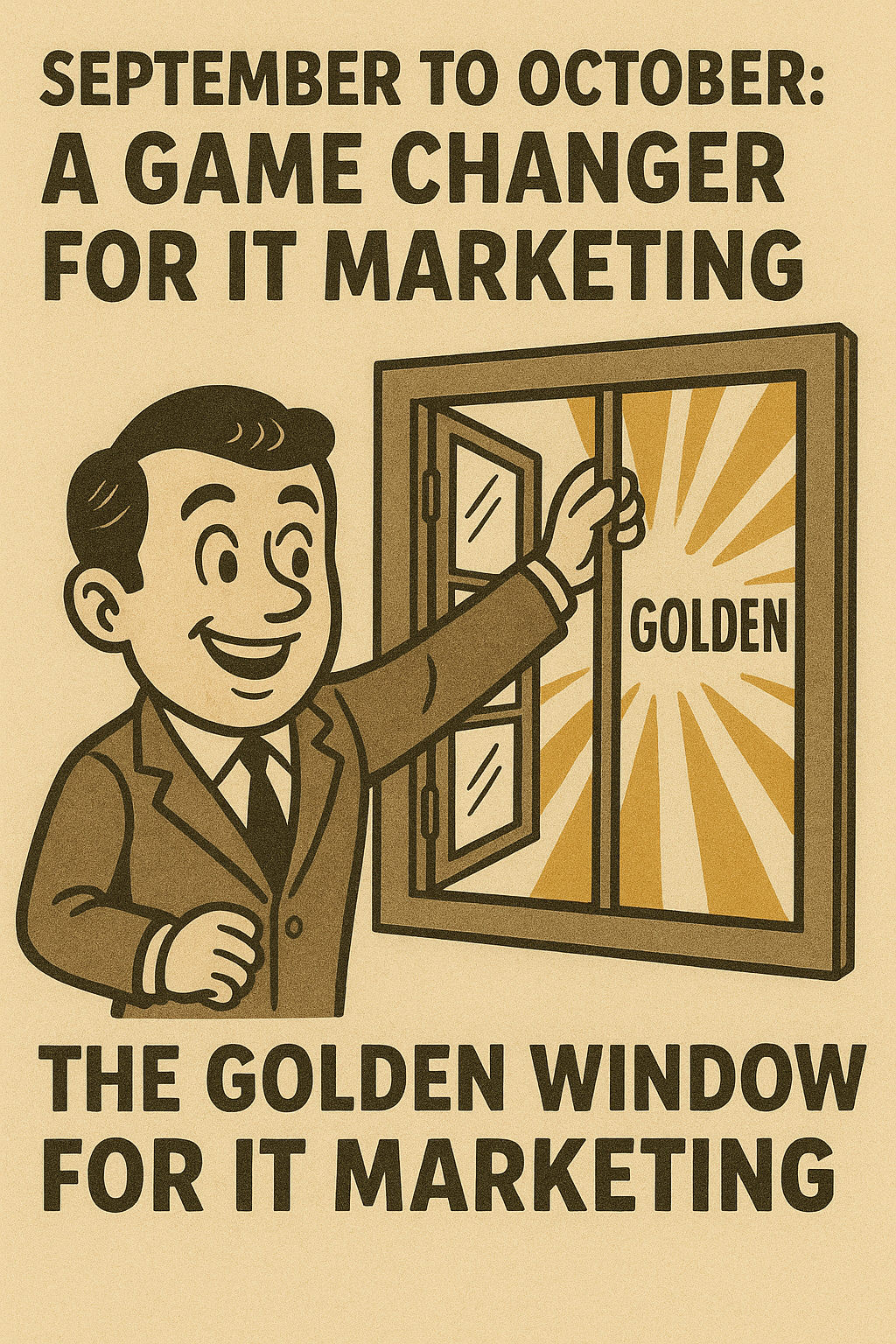
Golden Window: September to October A Game Changer for IT Marketing
The Golden Window for IT Marketing is September to October. This critical timeframe represents the most strategic period for MSPs and IT service providers to launch their marketing campaigns, positioning themselves for maximum impact when businesses make their technology decisions.
Why does this timing matter so dramatically? The answer lies in understanding the rhythm of business budgets and marketing maturation cycles. Fresh IT budgets typically start flowing in January, creating a surge of opportunity for technology investments. Marketing campaigns require 4-6 months to mature and reach peak effectiveness, making September and October the perfect launch pad for Q1 success.
The magic happens during Q4 when prospects begin exploring their options for the upcoming budget year. Smart IT marketing during this period warms up potential clients, builds trust, and establishes your authority before they enter their decision making phase. While your competitors scramble to catch up in January, you’ll already be positioned as the trusted advisor they’ve been following for months.
However, many MSPs often face challenges in their marketing strategies which can lead to failures. Understanding these common MSP marketing failures can help you avoid pitfalls and optimize your approach.
This strategic approach transforms the typical feast or famine cycle that plagues many MSPs. Instead of chasing prospects when budgets are tight, you’ll be capturing them when they’re actively planning their technology investments.
Ready to discover how your current marketing stacks up? Schedule your complimentary 22-Minute MSP Authority Assessment and unlock your competitive advantage during this golden window. If you’re looking to take control of your marketing outcomes, consider learning how to write your own guarantee, a strategy that can significantly enhance your client acquisition process. Stay updated with our latest insights by visiting our news section or explore more about our recent articles.
Understanding the IT Budget Cycle and Its Impact on Marketing Timing
The IT budget cycle operates on a predictable rhythm that smart MSPs can leverage to their advantage. Most businesses allocate fresh Q1 IT budgets in January, creating a surge of available capital for technology investments. This annual reset transforms the competitive landscape, making January through March the most lucrative period for IT service providers.
IT spending patterns reveal a fascinating dynamic during the fourth quarter. While budgets may appear tight in October through December, this period represents the critical planning phase. Decision makers research vendors, evaluate options, and build their shortlists for January implementations. Companies use Q4 to:
- Assess current IT infrastructure gaps
- Research potential service providers
- Compare pricing and service offerings
- Prepare budget justifications for the upcoming year
Understanding SMB budgeting cycles creates a strategic advantage. When you align your marketing efforts with these natural business rhythms, your message reaches prospects at the exact moment they’re most receptive. The businesses evaluating IT services in November are the same ones signing contracts in February.
The Critical Timing Mistake Most IT Owners Make
The most expensive error in IT marketing involves launching campaigns in January when budgets become available. This approach ignores the extended evaluation period prospects require. By the time your January campaign gains traction, decision makers have already formed their vendor shortlists during Q4 research phases.
Common timing mistakes include:
- Starting outreach efforts when budgets release instead of when research begins
- Abandoning Q4 marketing due to perceived budget constraints
- Focusing solely on immediate conversions rather than relationship building
- Underestimating the 90 to 120-day evaluation cycle most businesses follow
The solution requires shifting your perspective from budget availability to buyer behavior. Prospects don’t make instant decisions about their IT partnerships. They invest months evaluating options, checking references, and building confidence in their chosen provider.
For deeper insights into these cycles and more, consider tuning into the Prophets of IT Podcast which features interviews with successful business owners and executives sharing key strategies that have propelled their success in the IT sector.
The Importance of Starting Early: Aligning Marketing Campaigns with Q1 Budget Availability
Marketing campaigns operate on biological time, not business time. Like a fine wine or a well aged cheese, your optimal marketing timing requires patience and strategic foresight. The harsh reality facing MSP owners is that meaningful results from marketing initiatives demand a campaign maturation period of four to six months before reaching peak effectiveness.
This maturation timeline creates a mathematical imperative for September and October launches. When you initiate campaigns during these months, your marketing efforts hit their stride precisely when fresh IT budgets become available in January. The numbers don’t lie: prospects need multiple touchpoints across several months before making purchasing decisions, particularly for managed IT services where trust and credibility are paramount.
Why Starting Early Matters
The MSP marketing calendar must account for this extended relationship-building phase. Smart MSP owners recognize that Q4 prospects are tomorrow’s Q1 clients. Each piece of content shared, every LinkedIn connection made, and all personalized outreach conducted during September and October creates compound interest in your marketing investment.
Consider the typical MSP sales cycle:
- Initial awareness
- Problem recognition
- Solution research
- Vendor evaluation
- Final selection
This process rarely compresses into weeks. Businesses evaluating managed IT services conduct thorough due diligence, often spanning months. Your September launch ensures your marketing message reaches prospects during their early research phase, not after they’ve already shortlisted competitors.
How to Make the Most of Your Early Start
To maximize the impact of your early start, focus on lead nurturing during Q4. This period serves as the foundation for Q1 conversions. During October through December, businesses actively research solutions for the upcoming year.
Your early engagement during this critical window positions your MSP as the trusted advisor when decision making accelerates in January. Here are some strategies to consider:
- Create educational content that addresses common pain points faced by businesses in your target market.
- Share thought leadership articles or case studies showcasing successful implementations of your services.
- Leverage social media platforms like LinkedIn to connect with key decision makers and share relevant industry insights.
- Personalize outreach efforts by sending tailored emails or direct messages to prospects based on their specific needs and interests.
By implementing these strategies, you can establish credibility and build relationships with potential clients even before they enter the decision-making phase.
Conclusion
Starting early with your marketing campaigns is crucial for aligning with Q1 budget availability. By understanding the importance of campaign maturation and the typical MSP sales cycle, you can strategically plan your initiatives to maximize impact.
Remember that building relationships takes time, so focus on lead nurturing activities during Q4 to position yourself as a trusted advisor when it matters most.
Avoiding Common Pitfalls: The Start/Stop Marketing Cycle in IT Services
The start-stop marketing cycle represents one of the most destructive patterns plaguing MSP owners across the industry. This self defeating behavior involves launching marketing campaigns with initial enthusiasm, only to abandon them after a few weeks when immediate results fail to materialize. The pattern repeats endlessly: invest in a new strategy, expect instant gratification, become discouraged by slow progress, then pivot to the next “silver bullet” solution.
MSP marketing mistakes compound when business owners treat marketing like a light switch rather than a garden that requires consistent nurturing. The harsh reality is that sustained lead generation demands patience and persistence. Most prospects need multiple touchpoints over several months before they even acknowledge your existence, let alone consider switching their IT provider.
Consider this scenario: An MSP launches a LinkedIn outreach campaign in March, expecting immediate responses. After five weeks of modest engagement, they declare the strategy ineffective and shift resources to Google Ads. Two months later, they abandon that approach for cold calling. This chaotic approach ensures that no strategy receives adequate time to mature and produce meaningful results.
The Golden Window for IT Marketing is September to October because it aligns with the natural business cycle. Fresh IT budgets start in January, and marketing campaigns take 4-6 months to mature. Starting now allows for peak effectiveness when prospects have fresh budgets and decision making authority. This timing also warms up prospects in Q4 when they start exploring options for the new budget.
A disciplined approach beginning in Q3/Q4 creates the foundation for consistent marketing strategy success. Instead of chasing immediate gratification, smart MSP owners plant seeds in September that bloom into qualified opportunities by January when budgets refresh and purchasing decisions accelerate.
To avoid falling into the start stop trap, MSPs should consider adopting a more warm prospecting approach rather than relying solely on cold outreach methods which often yield disappointing results. Additionally, diversifying lead sources can help mitigate the risk of a referral crisis, ensuring a steady stream of potential clients even during challenging periods.
Ultimately, understanding your ideal client through detailed lead generation avatar creation can significantly enhance your marketing efforts, making them more targeted and effective.
Building a Structured 90-Day Marketing Plan for September to October Launches
A structured MSP campaign requires methodical execution across three critical months. Your 90-day marketing plan becomes the foundation that transforms scattered efforts into predictable lead generation. The September to October launch window demands precision in every component.
LinkedIn Profile Optimization: Your Digital Business Card
Transform your LinkedIn presence from a static resume into a lead magnet. Your headline should immediately communicate value to local business owners facing IT challenges. Replace generic titles like “IT Professional” with specific value propositions such as “Helping Local Manufacturers Eliminate Downtime Through Proactive IT Management.”
Your summary section must speak directly to business owners’ pain points. Address their concerns about cybersecurity threats, system reliability, and technology costs. Include specific examples of problems you’ve solved for similar businesses in your market.
Content Calendar Creation: Authority Through Education
Develop a content calendar that positions you as the trusted IT advisor in your community. Plan weekly content themes that address seasonal business concerns:
- Week 1-4: Budget planning and IT infrastructure assessment
- Week 5-8: Cybersecurity preparation for year-end vulnerabilities
- Week 9-12: Technology planning for business growth in the new year
Each piece of content should educate rather than sell. Share insights about emerging threats, explain complex IT concepts in simple terms, and provide actionable advice that business owners can implement immediately.
Personalized Outreach Strategies
Marketing for managed service providers succeeds through genuine relationship building. Research local businesses before reaching out. Reference specific challenges their industry faces or recent news about their company. Your outreach messages should offer value first, whether through a relevant article, industry insight, or invitation to a local business event.
Measurement and Continuous Improvement
Track engagement metrics, response rates, and meeting conversion percentages weekly. Adjust your messaging based on what resonates with your local market. Test different subject lines, content formats, and outreach timing to optimize your approach throughout the 90-day cycle.
To further enhance your marketing efforts during this period, consider implementing Salesforce lead generation strategies. These strategies can significantly boost your business by streamlining your lead generation process.
Moreover, remember that establishing authority in your market is crucial for success in the long run. Thus, it’s beneficial to build market authority as an MSP through consistent and valuable content delivery.
Leveraging LinkedIn as a Critical Platform for IT Marketing Success
When prospects research LinkedIn for MSPs, they’re conducting their second most important evaluation after Google searches. Business decision makers consistently turn to LinkedIn to verify credentials, assess expertise, and gauge professionalism before engaging with IT service providers. This behavior pattern makes LinkedIn optimization absolutely essential for capturing prospects during their research phase.
Your LinkedIn profile serves as your digital storefront, yet most IT business owners treat it like an outdated resume. The transformation from resume to lead magnet requires strategic repositioning of every profile element.
Headline Optimization That Converts
Replace generic titles like “Founder” or “MSP Owner” with value driven headlines that speak directly to prospect pain points:
- “Protecting Local Businesses from Cyber Threats | 24/7 IT Support for Companies with 10-100 Employees”
- “Eliminating IT Headaches for Growing Businesses | Managed Services That Actually Work”
Summary Section as Your Sales Pitch
Your summary should read like a compelling case study rather than a career history. Focus on client outcomes, specific problems you solve, and the unique value you bring to local businesses. Include relevant keywords naturally while maintaining readability.
Content Strategy for Authority Building
Regular content sharing establishes thought leadership and keeps you visible in prospect feeds. Share insights about:
- Cybersecurity trends affecting local businesses
- IT efficiency tips that resonate with your target market
- Case studies showcasing successful client transformations
- Industry commentary that demonstrates deep expertise
Strategic Connection Building
Target connections systematically rather than randomly. Focus on local business owners, decision makers in your ideal client size range, and complementary service providers who can refer business. Each connection request should include a personalized message referencing shared connections, mutual interests, or specific value you can provide.
The key lies in consistency. Daily engagement through commenting, sharing, and posting creates the compound effect that transforms your LinkedIn presence into a reliable lead generation engine.
To further enhance your lead generation efforts on LinkedIn, consider leveraging a Managed Prospecting System. This system creates & implements high converting LinkedIn & Email Lead Generation campaigns targeting new business leads & appointments ideal for you. By optimizing your outsourced lead generation process with these 10 steps, you can significantly boost your conversion rates and build your business more effectively.
Integrating Cybersecurity Marketing Within Your September to October Strategy
When planning their annual IT budget, every business owner is primarily concerned about cybersecurity issues. The best time for IT Marketing is from September to October because new IT budgets start in January and marketing campaigns take 4-6 months to develop. This timing creates the perfect opportunity to showcase your cybersecurity expertise while potential clients assess their security requirements for the upcoming year.
Smart Managed Service Providers (MSPs) include cybersecurity messaging throughout their entire marketing strategy during this critical period. Your potential clients aren’t just purchasing IT services; they’re investing in peace of mind and protection for their business. By focusing on security-related content, you address their biggest worries about data breaches, ransomware attacks, and compliance obligations.
Targeted Content Themes That Drive September to October Engagement:
- Ransomware preparedness audits that highlight weaknesses before budget planning meetings
- Compliance deadline reminders for industries facing regulatory changes in the new year
- Security trend reports showcasing emerging threats businesses will encounter
- Cost of breach calculators that demonstrate return on investment (ROI) of proactive security measures
- Case studies featuring local businesses you’ve safeguarded from actual cyber incidents
Your cybersecurity marketing strategies should directly address the specific problems keeping business owners up at night. Create content that establishes you as the local expert who comprehends their industry’s distinct security challenges. Share authentic examples of threats targeting businesses in your area, and illustrate how your proactive approach averts expensive incidents.
The secret lies in timing your cybersecurity marketing to align with budget planning cycles. When decision-makers convene in October and November to discuss next year’s IT expenditures, your security-focused messaging should already be initiating those discussions.
Practical Tips for Local IT Service Providers Targeting Businesses with 10–100 Employees
Local IT service marketing requires a fundamentally different approach than targeting enterprise clients. Small to medium businesses in your community make decisions based on relationships, trust, and tangible value propositions that speak directly to their daily operational challenges.
1. Personalization becomes your competitive advantage
During the September to October window, while national MSPs blast generic messages, you can reference specific local business challenges, community events, or regional industry trends. A manufacturing company in your town faces different IT pressures than a law firm three states away.
2. Community engagement amplifies your marketing efforts exponentially
Consider these targeted strategies:
- Sponsor local business networking events where your prospects naturally gather
- Create content addressing regional compliance requirements specific to your area’s dominant industries
- Partner with local business consultants who already have established relationships with your target market
- Develop case studies featuring recognizable local businesses (with permission) that prospects can relate to
3. Timing your outreach requires local market intelligence
Manufacturing businesses often finalize budgets earlier than professional services firms. Retail companies focus heavily on Q4 operations, making early September ideal for initial contact.
4. Emphasize proximity and availability in your messaging
Local businesses want to know their IT provider can be on-site within hours, not days. They value face-to-face relationships and immediate response times that distant providers simply cannot match.
5. Ensure clarity and confidence in your communication
If your clients are indecisive, it might reflect some uncertainty in your own approach. Therefore, ensuring clarity and confidence in your communication is key to instilling trust and securing commitment from potential clients.
How ManagedProspectingSystem.com Supports Your September to October Marketing Efforts
ManagedProspectingSystem.com is not your typical marketing agency. With its revolutionary approach to client partnerships, it stands apart from traditional marketing agencies. Unlike conventional agencies that lock you into rigid contracts with predetermined outcomes, this unique platform empowers you to write your own guarantee. This flexibility becomes invaluable during the critical September to October golden window, allowing you to set specific, measurable goals that align perfectly with your Q1 revenue objectives.
The ManagedProspectingSystem.com benefits extend beyond customizable guarantees to encompass comprehensive support for your golden window strategy. The system provides:
- Strategic campaign timing aligned with IT budget cycles
- LinkedIn optimization specifically designed for MSP authority positioning
- Content calendars that build prospect engagement over the crucial 4-6 month maturation period
- Personalized outreach sequences targeting local business decision makers
Jim Punzenberger, creator of ManagedProspecting.com and author of Zero Dollar Advertising Strategies, brings 23 years of experience to guide your September/October launch strategy. His expertise spans both the technical and marketing aspects of IT service promotion, ensuring your golden window campaigns address real market needs rather than generic marketing approaches.
Additionally, the platform’s unique guarantee structure means you maintain complete control over success metrics while receiving expert guidance on timing, messaging, and execution during this critical period. To further enhance your marketing efforts during this time, consider implementing strategies that enhance your MSP’s SEO, as suggested by industry experts.
Conclusion
The Golden Window for IT Marketing is September to October. This period is crucial as fresh IT budgets typically start in January, and marketing campaigns usually require 4-6 months to mature. By starting your campaigns now, you position them for peak effectiveness in Q1 when prospects have new budgets available. This strategic timing not only warms up prospects during Q4, but also aligns perfectly with their exploration of options for new budget allocations.
Success in IT marketing requires proactive planning rather than reactive scrambling. Businesses that maximize MSP leads Q1 understand this fundamental truth: sustainable growth comes from strategic timing, not wishful thinking.
Your competition is already strategizing their Q1 assault on your prospects. The pressing question is: will you be ready?
This golden window opportunity should not be overlooked. Schedule your complimentary 22-Minute MSP Authority Assessment today and gain:
- Valuable insights on your current market positioning
- A custom 90-day authority roadmap tailored to your business
- A comprehensive LinkedIn profile audit
Considering the importance of LinkedIn in today’s B2B landscape, it’s worth exploring professional LinkedIn lead generation services which can significantly enhance your lead generation efforts.
The golden window opens in just weeks. Your Q1 success depends on the decisions you make right now. Partner with a trusted provider like Managed Prospecting System, known for delivering highly qualified lead generation and sales opportunities for B2B technology companies, to ensure you’re well-prepared for the upcoming quarter.
FAQs (Frequently Asked Questions)
What is the ‘Golden Window’ for IT marketing and why is it important?
The ‘Golden Window’ for IT marketing is the period from September to October. This timing is crucial because fresh IT budgets begin in January, and marketing campaigns typically take 4-6 months to mature. Starting campaigns during this window ensures peak effectiveness in Q1 when budgets are available and helps warm up prospects in Q4 as they explore new budget options.
How does understanding the IT budget cycle improve marketing strategies for MSPs?
Understanding that IT budgets are allocated primarily in Q1, with planning occurring in Q4, allows marketers to time their campaigns effectively. By aligning marketing efforts with this cycle, MSPs can avoid common mistakes like launching campaigns too late or inconsistently, ensuring sustained lead generation and better ROI.
Why is it essential to start IT marketing campaigns early, specifically in September or October?
Starting early allows the necessary 4-6 month maturation period for marketing campaigns so that they reach peak performance when fresh IT budgets become available in Q1. Early engagement also nurtures leads and warms up prospects during Q4, increasing the likelihood of conversions when decision-making intensifies.
What are common pitfalls of the start/stop marketing cycle in IT services, and how can they be avoided?
Many MSPs launch marketing campaigns but abandon them prematurely expecting immediate results. This start/stop approach undermines sustained lead generation. Avoiding this pitfall requires a disciplined, consistent strategy beginning in Q3/Q4 to build momentum and maintain lead flow into Q1.
How can LinkedIn be leveraged effectively for IT marketing success during the Golden Window?
LinkedIn serves as a critical platform for MSPs since it’s often the second research site after Google for prospects. Optimizing LinkedIn profiles by transforming them from resumes into lead magnets—through headline optimization, expert content sharing, and targeted connections—can significantly enhance authority-building and lead generation during the Golden Window.
What role does ManagedProspectingSystem.com play in supporting MSPs’ September to October marketing efforts?
ManagedProspectingSystem.com offers customized agency services with guarantees tailored to leverage the Golden Window strategy effectively. Led by Jim Punzenberger, an experienced MSP marketer, it provides MSPs with strategic support including campaign planning and execution designed to maximize leads and growth during this critical period.